A website for your club, ready in minutes
Every club on VOC has a public page with squad, matches, results, news, history and honours. There’s nothing to build: the website is fed by what you already record in your club.
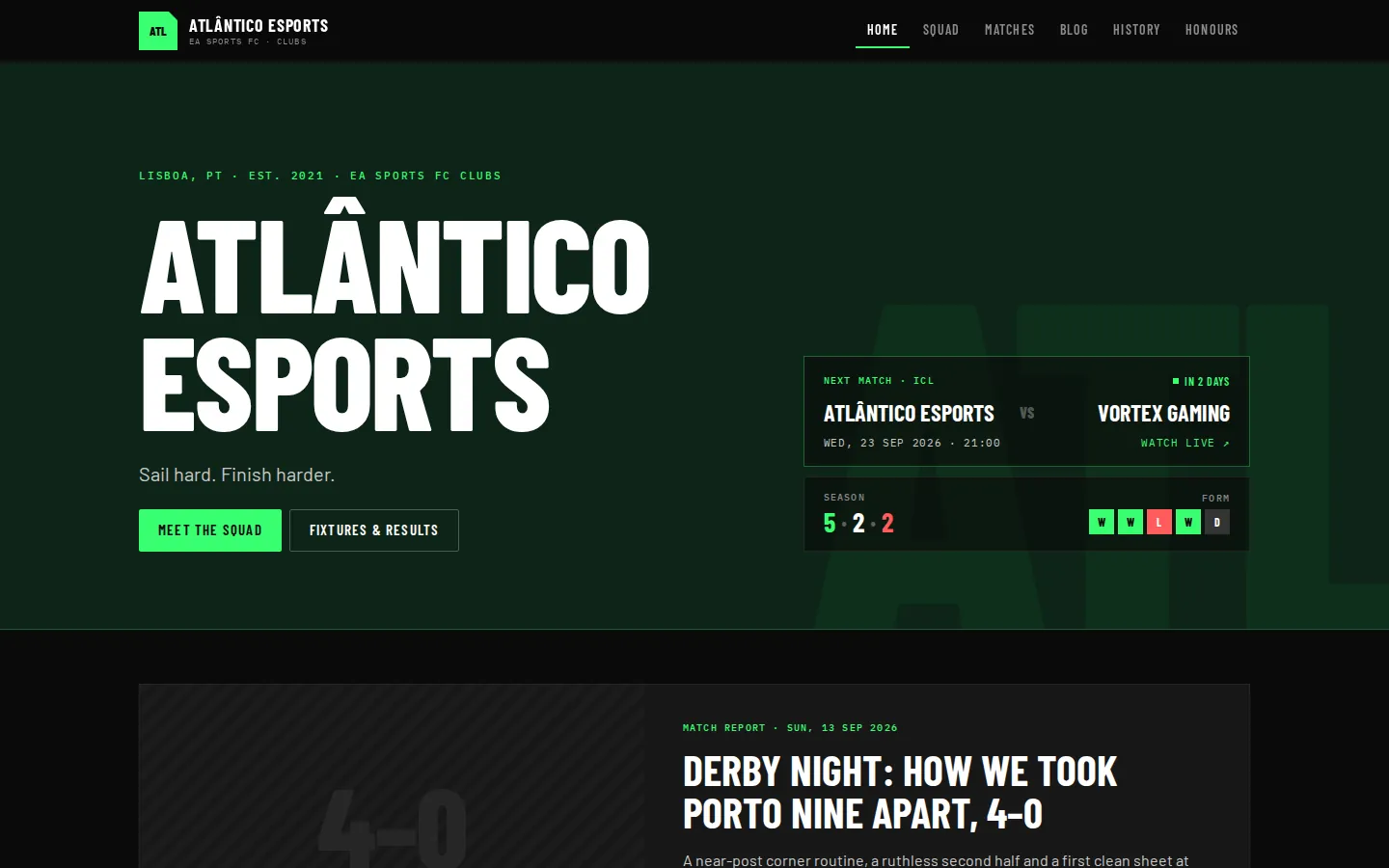
The club’s page
Name, motto, next match, recent form and latest results right at the top. The address is yours: veryown.club/c/your-club.
- Next match and stream
- Form and results
- Your own address
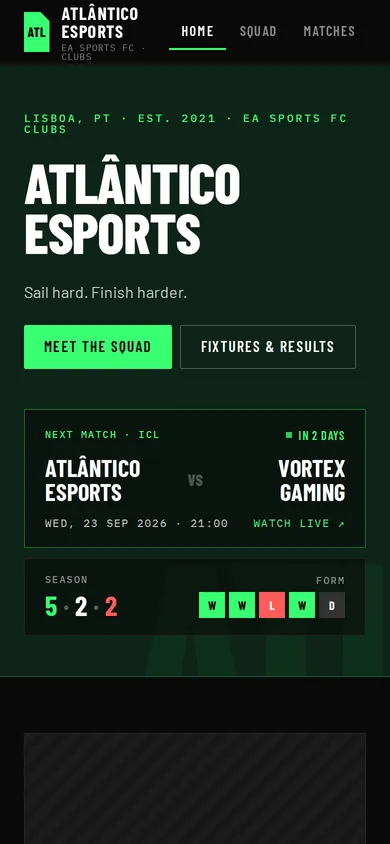
Squad and player profiles
Every visible player has a public profile with number, position, bio and stats. Contact details always stay private.
- A public profile for each player
- Stats from published matches
- Contact details always private
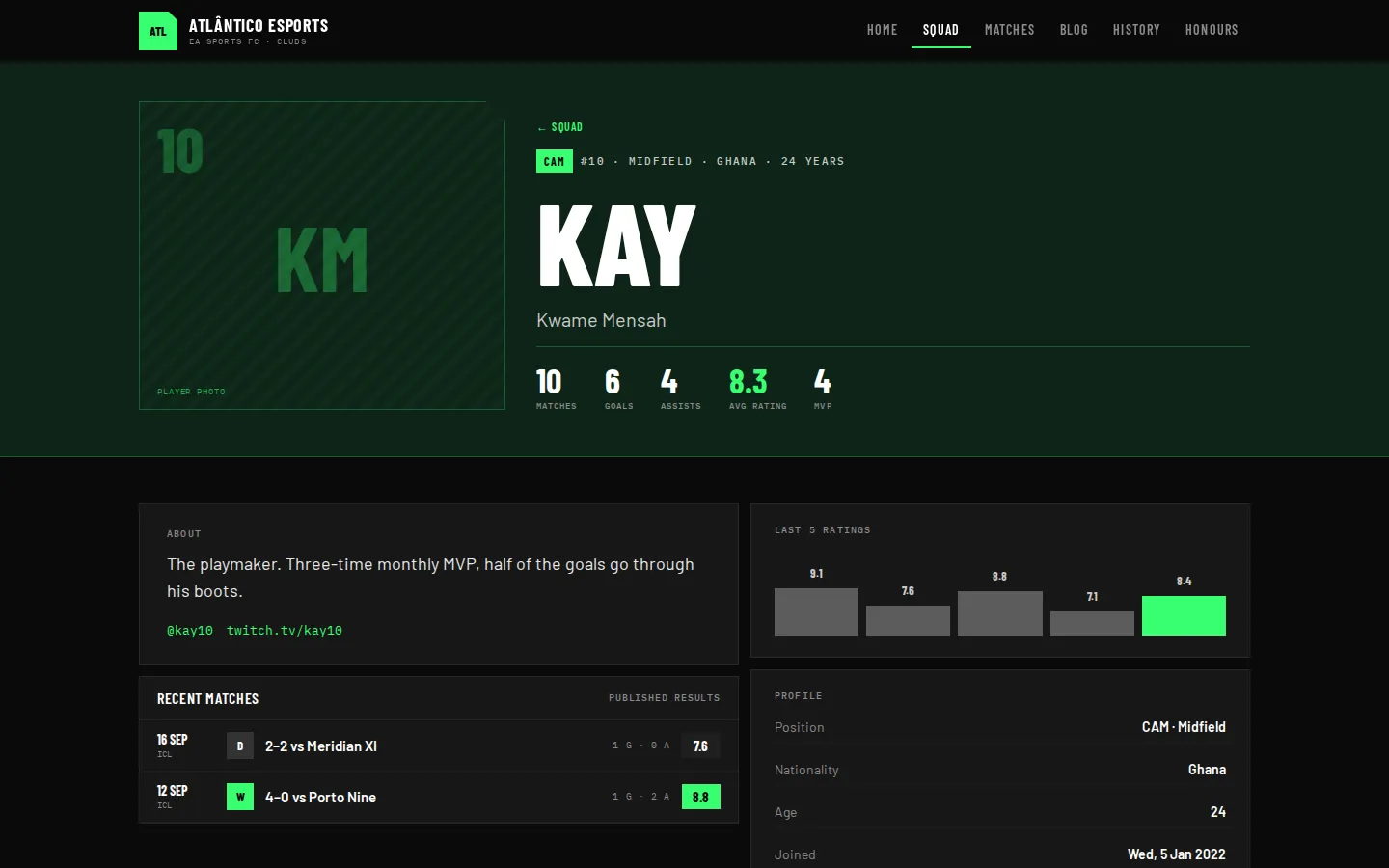
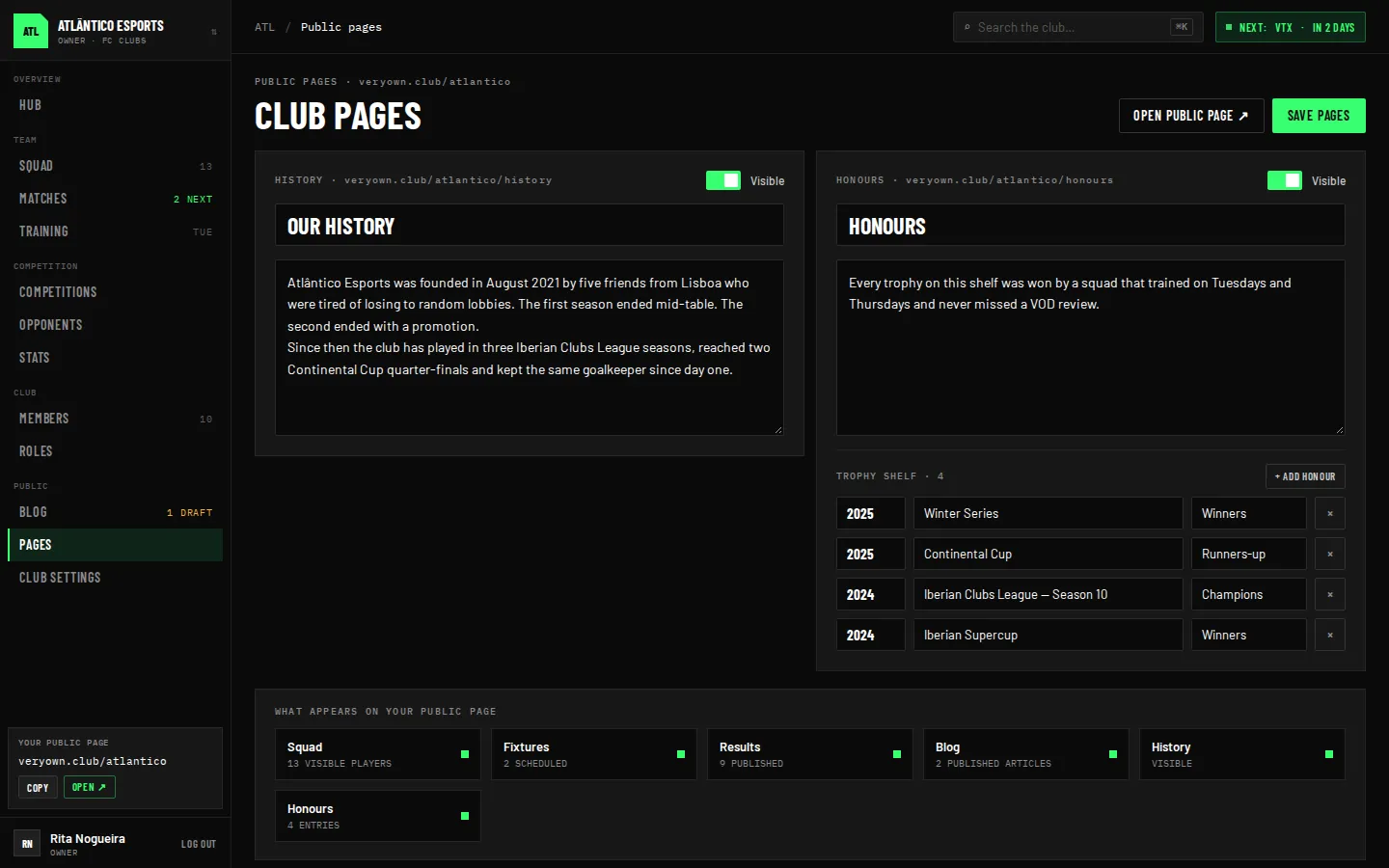
News, history and honours
Write match reports and announcements on the club blog, and tell the club’s history and titles on pages of their own.
- Blog with title and description for search engines
- History page
- Honours
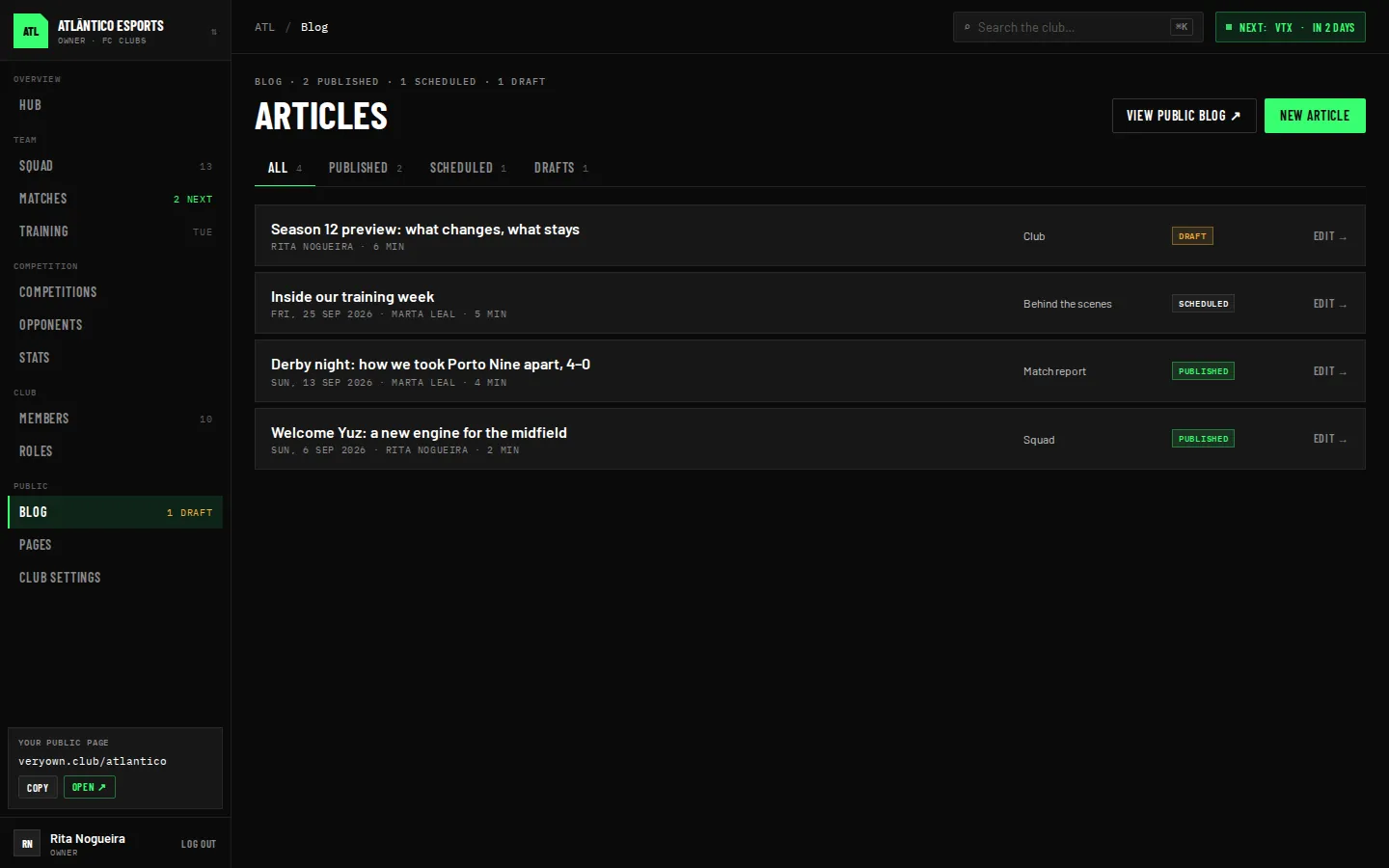
You decide what’s public
Results only appear once published, players only if they’re visible, and pages only when you switch them on.
- Publish and unpublish results
- Visibility per player
- Pages switched on or hidden
How it works
- 01
Create your club
The address is reserved there and then.
- 02
Publish
Results, visible players and news.
- 03
Share the link
In your bio, on Discord or on your streams.
Frequently asked questions
Do I need to know how to build websites?
No. The club website is generated from what you already record in VOC.
What’s the website address?
veryown.club/c/ followed by the club’s name. It’s created the moment you create the club.
Can I hide pages?
Yes. History and honours can be visible or hidden, and the menu only shows sections with content.
Are players’ contact details public?
Never. Email, phone number and Discord are always private.
Give your club the page it deserves
Create your club in minutes and invite the squad. Free during the beta.